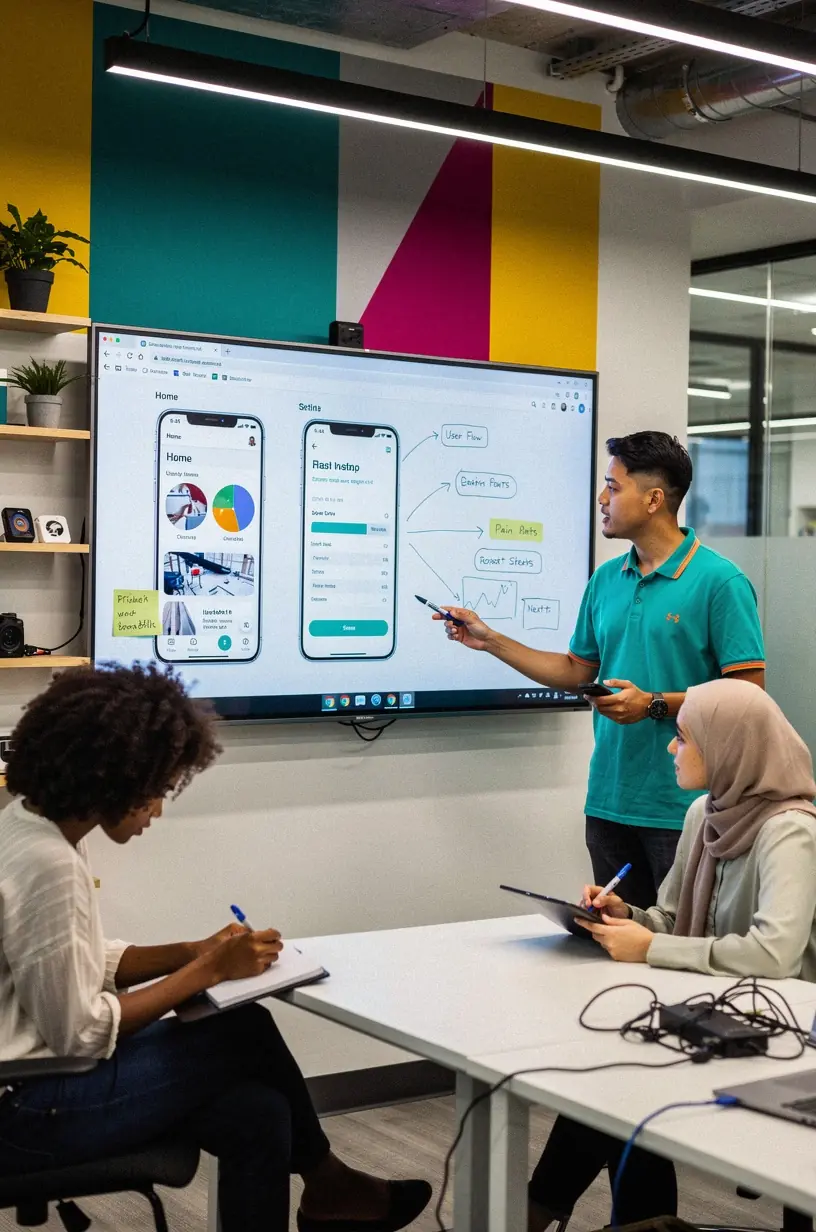
Integrating Accessibility into the Software Lifecycle
Accessibility is a crucial aspect of software development that often goes overlooked. Implementing accessibility measures throughout the software lifecycle can significantly enhance user experience for all individuals, particularly those with disabilities. In this article, we will explore effective strategies for integrating accessibility into each phase of software development.
Understanding Accessibility in Software Development
Accessibility refers to the design of products, devices, services, or environments for people with disabilities. According to the World Health Organization, over 1 billion people worldwide experience some form of disability, which underscores the importance of designing software that is usable by everyone. Many organizations now recognize that accessibility is not just a legal requirement but also a beneficial practice that can improve overall user satisfaction and broaden user base.

"Accessibility is not just about compliance; it’s about creating a better experience for all users." - Industry Expert
Phases of the Software Lifecycle and Accessibility
Integrating accessibility requires a proactive approach at various stages of the software lifecycle. Here’s how to incorporate accessibility practices in each phase:
1. Planning and Requirements Gathering
- Involve users with disabilities in the requirements gathering process to ensure their needs are considered.
- Research and adopt accessibility guidelines, such as the Web Content Accessibility Guidelines (WCAG), as a foundational framework.
- Set measurable accessibility goals that align with business objectives and user needs.
2. Design
- Utilize design tools that allow for testing of accessibility features, such as color contrast checkers and screen reader compatibility.
- Focus on creating a visually clear layout with logical navigation that aids users with cognitive disabilities.
- Implement flexible design elements that can adapt to various devices and user preferences.
3. Development
- Adopt semantic HTML and ARIA (Accessible Rich Internet Applications) roles to enhance screen reader functionality.
- Conduct regular code reviews with accessibility in mind to identify and rectify potential barriers.
- Emphasize keyboard accessibility to ensure software can be navigated without a mouse.
4. Testing
- Incorporate automated accessibility testing tools to identify issues early in the development process.
- Perform user testing with individuals who have disabilities to gain valuable feedback on usability.
- Iterate on feedback to refine and improve accessibility features before launch.
Continuous Improvement and Maintenance
Accessibility is not a one-time task but an ongoing commitment. Regularly updating software to address new accessibility challenges and user feedback is essential. This process typically involves:
- Monitoring user interactions and gathering quantitative data to identify areas needing improvement.
- Staying informed on evolving accessibility standards and best practices to continuously refine approaches.
- Providing resources and support for users to report accessibility issues, ensuring an inclusive user environment.
Conclusion
Integrating accessibility into the software lifecycle is a critical endeavor that can enhance user experiences for everyone. By incorporating accessibility from the outset and committing to ongoing improvements, organizations can create software that meets diverse user needs. This proactive approach not only fosters inclusivity but also positions companies as leaders in user-centered design.